





Solving Banding Issues in Canon UVgel Printing on Inkjet Canvas
Blogs 2024-05-02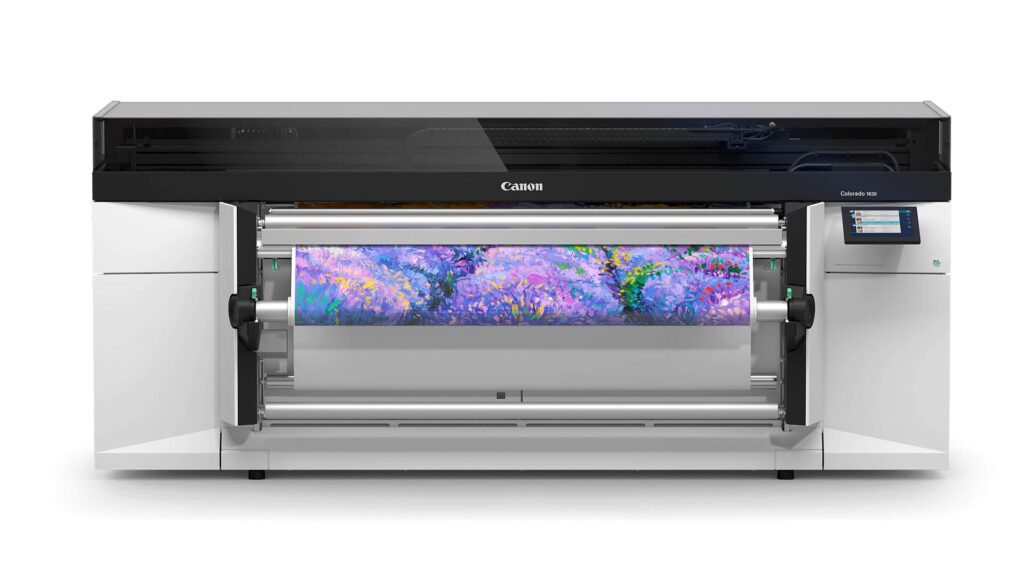
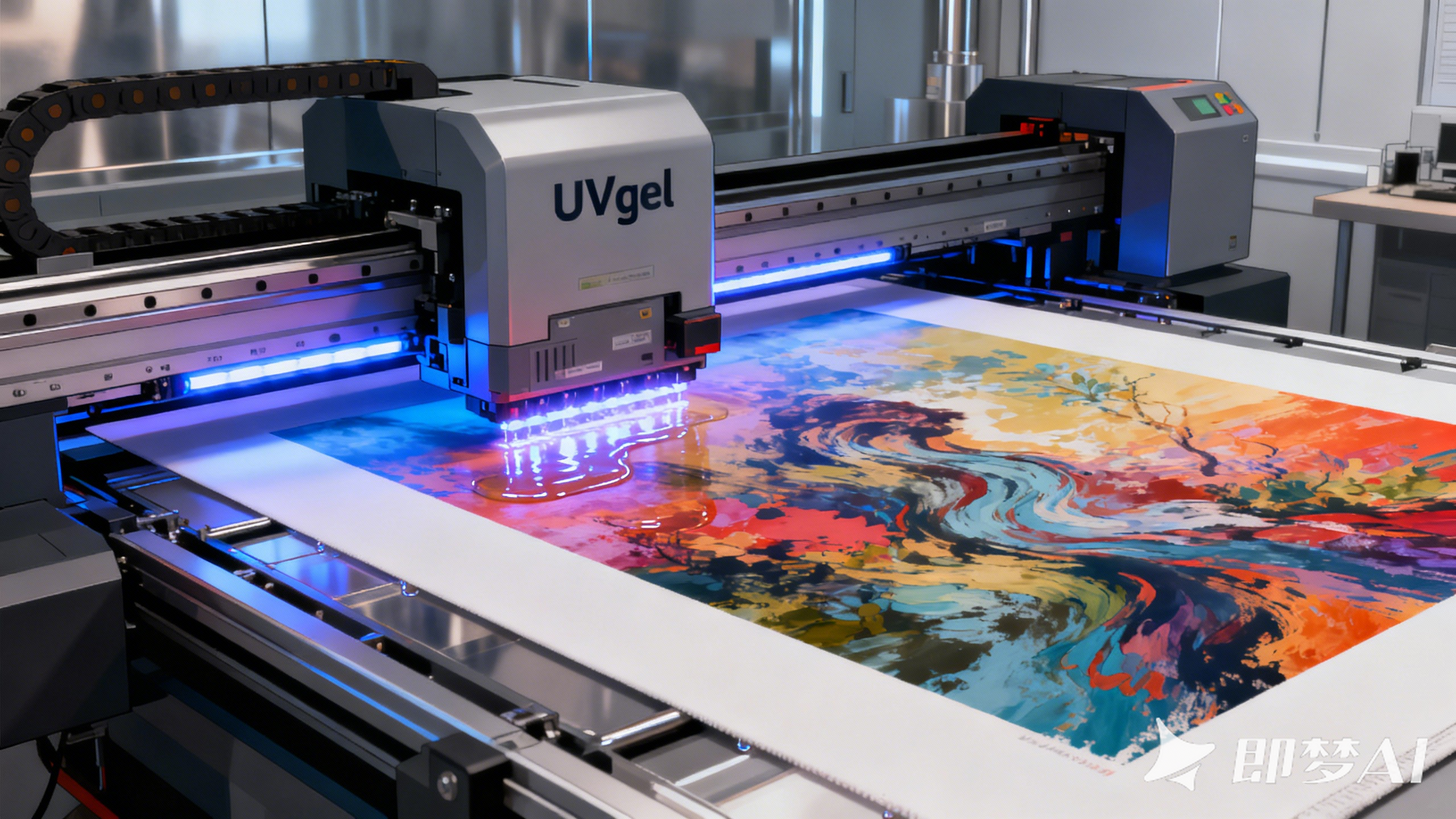
Canon UVgel technology is a powerhouse, chosen by print professionals for its remarkable vibrancy, durability, and versatility on uncoated media. Yet, even the most robust technology can meet its match: the persistent, productivity-killing specter of banding when printing on inkjet canvas.
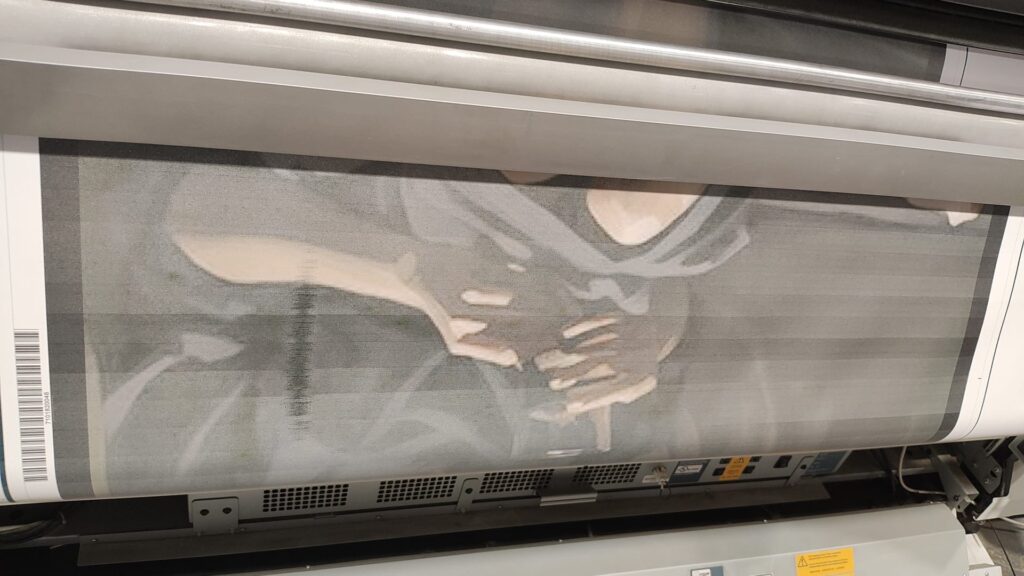
Those faint, horizontal lines streaking through your high-value artwork aren’t just an annoyance—they represent wasted time, wasted material, and a direct hit to your bottom line. But here’s the critical insight many miss: banding is rarely a printer defect; it’s almost always a correctable issue between the device, the settings, and the substrate.
This guide cuts through the frustration and delivers the expert, actionable steps you need to restore flawless print quality and protect your productivity.
What is Banding?
Banding refers to unwanted, visible lines or stripes in a print, usually running horizontally across the media (perpendicular to the print head travel). These lines are areas where the ink deposition is inconsistent, creating a noticeable variation in color density.
Top Causes of Banding in Canon UVgel Printing on Canvas
1. Incorrect Media Settings
This is the most frequent culprit. The printer needs to know exactly what type of material it’s handling to fire ink droplets at the correct time and volume. Using a generic profile for a specialized inkjet canvas can lead to severe miscalculations.
2. Print Head Misalignment
The UVgel print head has numerous tiny nozzles that must work in perfect unison. If they are out of alignment, even slightly, the droplets won’t land precisely where they should, creating gaps or overlaps that appear as bands.
3. Clogged or Damaged Nozzles
Dust, dried ink, or debris can clog a nozzle. If even a single nozzle is out of commission, it creates a tiny, missing line of ink. As the print head moves, this missing line translates into a consistent, visible band across the entire print.
4. Incorrect Print Height (Platen Gap)
The distance between the print head and your canvas is critical. If the gap is too large, the ink droplets can be blown off course by air movement, leading to misdirected dots and banding. If it’s too low, the head could risk touching the media.
5. Substrate Quality and Coating
Not all inkjet canvases are created equal. A low-quality canvas with an inconsistent or absorbent coating can cause ink to spread or be absorbed unevenly. A premium, uniformly coated canvas is essential for the UVgel process, as it allows the gel ink to sit perfectly on the surface before curing.
How to Solve and Prevent Banding Issues
1) Select the Exact Media Profile
Action: Never use a default or plain paper setting. Always navigate through your printer’s RIP (Raster Image Processor) software and select the specific media profile recommended for the canvas you are using. If a profile for your exact brand of canvas exists, use it. If not, work with your canvas supplier or Canon support to create a custom profile.
2) Perform Regular Print Head Maintenance
Action: Run the printer’s built-in automated head cleaning cycles. Follow this with a print head nozzle check pattern to identify any clogged nozzles. For persistent clogs, you may need to use a recommended cleaning fluid and swab for manual cleaning (always follow Canon’s guidelines to avoid damage).
3) Align the Print Head
Action: Execute the print head alignment utility from the printer’s menu or RIP software. This process prints a pattern and asks you to scan values to ensure all nozzles are firing in perfect alignment.
4) Adjust the Platen Gap
Action: In your printer’s media settings, ensure the platen gap is correctly set for the thickness of your canvas. Consult your printer manual for the recommended range for canvas materials. This ensures the optimal drop placement distance.
5) Use a High-Quality, Certified Canvas
Action: This is the most crucial preventative step. Invest in a premium inkjet canvas specifically designed and tested for Canon UVgel printing. Why?
Consistent Coating: A high-quality coating ensures uniform ink absorption and prevents bleeding.
Flatness & Uniformity: It lies perfectly flat on the printer platen, ensuring a consistent print height.
Optimized for UVgel: The coating is formulated to work with the unique viscosity and curing process of UVgel ink, resulting in superior color gamut and sharpness.
Conclusion: Achieve Flawless Results
Banding on your inkjet canvas prints can be frustrating, but it’s a conquerable challenge. By methodically working through these steps—starting with media settings and print head health—you will most likely identify and eliminate the issue.
Remember, your choice of substrate is not just a passive surface; it’s an active component of your printing system. Using a reliable, high-performance canvas designed for Canon UVgel printing is the best foundation for eliminating banding and achieving the stunning, gallery-quality results your work deserves.
Looking for a banding-free experience? Explore our range of premium inkjet canvases engineered for exceptional performance with Canon UVgel technology